
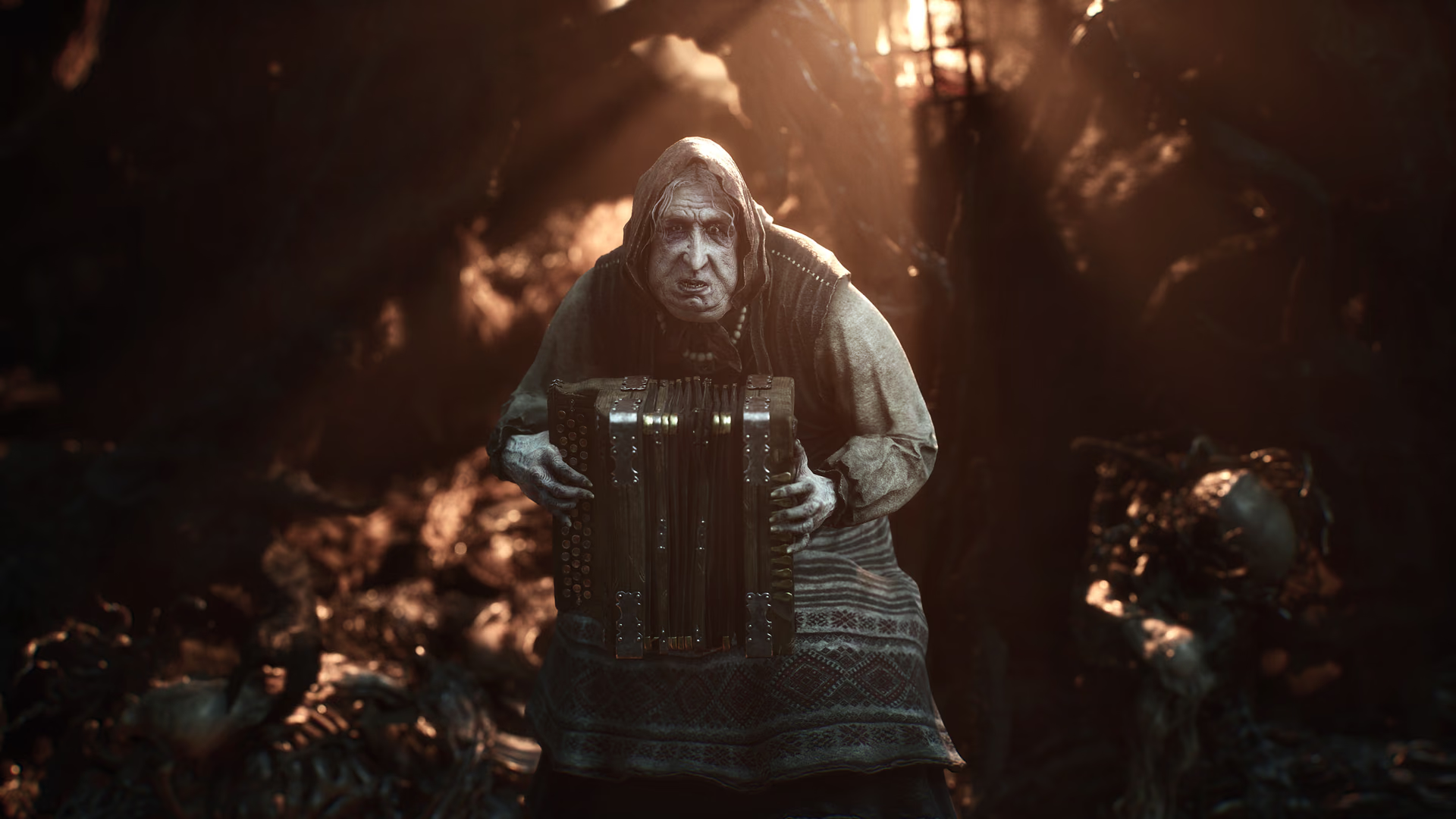
What single-player means here
That also means there is no summon system or multiplayer server status to troubleshoot. Community requests for co-op describe a desired feature, not something available in the released game. Source 1Mortal Shell II on SteamOpen source
Mortal Shell II is designed around one player controlling the Harbinger and the possessed Shell. Store labels matter here because they describe the supported product, not a wishlist or an assumption based on another soulslike. Steam categorizes the release as single-player; PlayStation lists one player and offline play; Xbox lists the single-player capability. Source 1Mortal Shell II on SteamOpen source Source 2Mortal Shell II on PlayStation StoreOpen source Source 3Mortal Shell II on XboxOpen source The agreement across all three release platforms is stronger evidence than a missing multiplayer menu on one version.
For purchase decisions, “single-player” rules out four different expectations:
- no online campaign co-op;
- no local split-screen or shared-screen campaign;
- no competitive PvP invasion system;
- no player-summon sign or drop-in boss assistance.
The game can still contain NPCs, personal-item summons, ghosts in its fiction, platform achievements, cloud saves, and network-delivered patches. None of those systems creates a second human-controlled character.
Store evidence
Steam labels Mortal Shell II as single-player. The PlayStation Store lists one player and offline play. Source 2Mortal Shell II on PlayStation StoreOpen source The Xbox store also lists single-player. Source 3Mortal Shell II on XboxOpen source None of the three official product pages used here presents online co-op, local co-op, PvP, or player summons.
Cloud saves and platform cloud streaming are not multiplayer. They move a single-player save or stream the game to a device; they do not add another player to the world.
The distinction is easiest to verify on Xbox. Its product page lists both “Single player” and “Xbox cloud saves.” Source 3Mortal Shell II on XboxOpen source One describes the number of players; the other describes save synchronization. A cloud save can follow the owner between compatible consoles, but it does not host a shared world. On PlayStation, Premium cloud streaming means an eligible subscriber may stream the PS5 version instead of running a local installation. The same official page still lists one player and offline play. Source 2Mortal Shell II on PlayStation StoreOpen source
What Mortal Shell II does not advertise
The official product pages do not list online co-op, couch co-op, cross-platform multiplayer, online PvP, or multiplayer matchmaking. Store capability labels are normally where those features appear. Their absence, combined with explicit single-player labels, supports a clear answer rather than “co-op has not been tested.”
Crossplay is therefore not a separate unresolved feature. Crossplay connects players on different platforms inside an existing multiplayer mode; Mortal Shell II has no supported multiplayer mode for crossplay to connect. The same logic applies to private lobbies, dedicated servers, and multiplayer progression. There is no official lobby or server layer documented on the released product pages.
Can two people share one copy or screen?
Platform-level sharing, remote-control, or streaming features do not change the game's supported player count. A household may be able to access a purchased title under the platform holder's normal license rules, and a player may stream gameplay to another screen, but only one person controls the active Mortal Shell II campaign through the game itself. Check Sony, Microsoft, Valve, or device documentation for account and sharing rules rather than treating them as a hidden co-op mode.
If two people want to play alongside each other, the practical setup is two separate single-player runs. You can compare routes or builds over voice chat, but saves, world state, boss health, items, and progress remain separate. Do not buy a second copy expecting the game to connect those runs.
Can another player help with a boss?
Not through an in-game summon or co-op session. Use a different route, Shell, weapon, or the game's own difficulty tools instead. The difficulty guide gives recovery options without implying a multiplayer feature.
When a boss blocks progress, the available help is informational or build-based. You can watch a current-patch strategy, leave to find another Shell or weapon, improve a Tarstone, change the camera mode, or return after exploring another branch. The compact open world allows detours, and the official description emphasizes finding Shells, weapons, upgrades, and curiosities away from the main path. Source 1Mortal Shell II on SteamOpen source That is the intended alternative to summoning another player.
Personal items that summon a creature are also not co-op. They are abilities controlled by game logic, not a connection to another person's save. Likewise, messages in a community forum, a video guide, or remote coaching can help with a fight without becoming multiplayer gameplay.
What about a co-op mod?
There is no official co-op mod, supported multiplayer API, or developer-supported networking layer cited by this page. A mod claiming to add multiplayer would need to reproduce synchronization for enemies, bosses, inventory, world state, checkpoints, cutscenes, deaths, and saves. That is materially different from a visual or configuration mod and carries a much higher risk of crashes or corrupted progress.
Do not install an executable or networking tool merely because its title contains “Mortal Shell 2 co-op.” Verify the author, source, version compatibility, permissions, open issues, and removal instructions. Back up the save while the game is closed. Even if a community experiment appears later, it would not change the official answer unless Cold Symmetry or the platform listings support it.
How to check for a future multiplayer change
Use the official store capability labels and developer announcements, in that order. A real release would normally be accompanied by patch notes, updated player-count labels, network requirements, and support documentation. A social reply saying that players “want co-op,” a roadmap wish, or a mod video is not a feature announcement.
On Steam, look for multiplayer feature tags and an official update. On PlayStation, look for a player count above one or an online-play requirement. On Xbox, look for online multiplayer or co-op capabilities in addition to single player. Check all three because a platform-specific beta would be different from a simultaneous feature release.
Buying checklist for co-op seekers
Before purchase, answer these questions:
- Are you comfortable completing every boss and exploration objective alone?
- Are build experimentation, route changes, and guides an acceptable substitute for player summons?
- Are you buying cloud streaming or cloud-save access thinking it adds a teammate?
- Would the absence of PvP or invasion systems reduce the value for you?
If the answer to the first question is no, do not buy Mortal Shell II on the assumption that co-op is hidden or coming soon. Wishlist it and wait for an official announcement instead. If single-player combat is the goal, use the PS5 details, release overview, and difficulty guide to choose a platform and plan the opening hours.
The feature status was checked across Steam, PlayStation, and Xbox on September 3, 2026. If Cold Symmetry later announces multiplayer, this page should be updated from that official source. Until then, mods, wishlists, and community requests do not change the released game's official single-player status.
Sharing a single-player session safely
Two people can still alternate control locally, watch a stream, or discuss choices, but those are household or platform behaviors rather than Mortal Shell II co-op. Do not sign an untrusted person into the owning account, share recovery credentials, or install an executable advertised as an unofficial multiplayer unlock. Before using console sharing or remote-play features, read the platform's current account and privacy rules. The save remains one player's progression, so make a verified backup before another person changes equipment, quests, or difficulty settings.

