
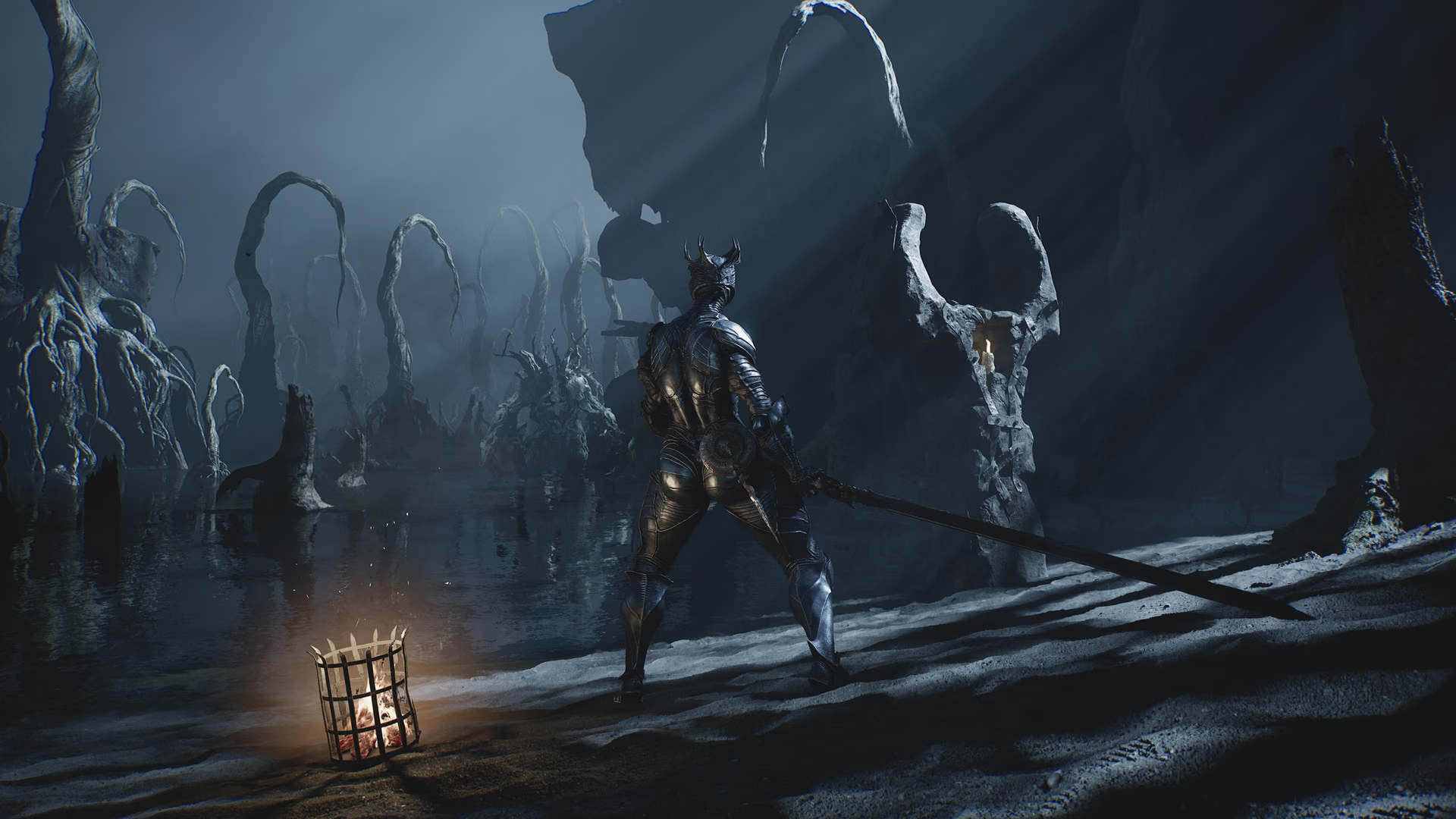
PS5 availability
The official PlayStation Store lists Mortal Shell II for PS5, with one-player offline play, PS5 Pro Enhanced support, and cloud streaming for eligible PlayStation Plus Premium members. It does not list a PS4 edition. Source 1Mortal Shell II on PlayStation StoreOpen source
| PS5 feature | Store status |
|---|---|
| Players | 1 |
| Offline play | Supported |
| PS5 Pro Enhanced | Listed |
| Cloud streaming | Premium members, where available |
| PS4 version | Not listed |
Before buying, use the edition selector on the store page to confirm the included content and current regional price. At the August 28, 2026 check, the US store showed Standard and Devout editions plus a separate edition upgrade. Prices and promotions are regional and can change.
Playstack's release announcement confirms PS5 as one of the three worldwide launch platforms, alongside Steam and Xbox Series X|S. Source 2Mortal Shell II worldwide release announcementOpen source The PS5 listing is therefore a native release, not backward compatibility with the first Mortal Shell or a streamed copy of another platform.
Native PS5 play and cloud streaming
The PlayStation page lists a PS5 version, PS5 Pro Enhanced support, offline play, one player, and PS5/PS Portal cloud streaming for eligible Premium members. Source 1Mortal Shell II on PlayStation StoreOpen source These labels describe different ways to access the same single-player game.
Native play means the PS5 build is installed on the console. Cloud streaming runs an eligible copy remotely and sends video and input over the network. Streaming availability depends on subscription, region, network quality, and Sony's current catalog; it does not mean Mortal Shell II requires an internet connection for its normal offline campaign.
Cloud streaming also does not create co-op. The same product page still lists one player. If a second person watches a stream or uses a platform sharing feature, the game itself continues to run one single-player world.
PS5 Pro Enhanced status
“PS5 Pro Enhanced” is an official store label, but the listing used here does not publish a detailed matrix of resolution targets, frame-rate modes, ray tracing, or specific Pro-only settings. Source 1Mortal Shell II on PlayStation StoreOpen source Do not convert the label into an unsupported promise of 4K/60, 120 Hz, or a particular image reconstruction method.
After installation, open the graphics or display menu and read the available modes on the current patch. If you compare modes, keep the same area, camera position, display configuration, and patch. A performance difference reported from launch week may no longer match a later update.
Standard, Devout, and upgrade products
The US PlayStation listing separates three paid products. Source 1Mortal Shell II on PlayStation StoreOpen source
| Product | Documented contents | US price at the source check |
|---|---|---|
| Mortal Shell II | Full base game | $49.99 |
| Devout Edition | Full game plus Devout Edition Upgrade | $59.99 |
| Devout Edition Upgrade | Obsidian cosmetic set | $10.99 |
Prices and promotions change, so use the live regional page before checkout. Standard contains the game. Devout adds the exclusive Obsidian skin set for all eight playable Shells; the official description does not list extra missions, weapons, Shells, or stat advantages. The Devout Edition guide explains why the pre-launch access benefit is now historical.
If Standard is already owned, buy the separate upgrade only when the store recognizes the base-game license and displays a compatible add-on for the same account and region. A Steam or Xbox copy does not make a PlayStation add-on usable.
Does PS5 require online play?
No. The listed play mode is offline single-player; an internet connection may still be needed for downloads and patches.
The store's offline label means the campaign can be played without an active multiplayer connection after the game and required license data are available. Initial download, updates, cloud streaming, digital-license checks in some account situations, and cloud-save synchronization can still use the network. Offline play is not a guarantee that an unpatched disc exists; the publisher announced a digital worldwide launch. Source 2Mortal Shell II worldwide release announcementOpen source
For a planned offline session, install the current update, launch the game once under the purchasing account, verify the active save, and test offline mode before traveling. Do not assume a cloud save has finished uploading simply because the game closed.
Which edition should you choose?
Choose Standard if you only want the base game. The Devout Edition adds eight Obsidian Shell skins; its former advance-access window has ended. Treat the live PlayStation product page as the final authority for exactly what your region includes.
Choose by content, not by the larger product tile. Both editions include the full game. Devout is a cosmetic decision after launch. If the Obsidian set is not worth the live price difference, Standard contains the same documented campaign and platform capabilities.
PS4, cross-buy, and save assumptions
The cited page lists a PS5 version and does not list a PS4 version. Source 1Mortal Shell II on PlayStation StoreOpen source That means there is no supported PS4 purchase, PS4-to-PS5 save-transfer promise, or PS4 cross-buy entitlement established by this source. Do not confuse Mortal Shell II with Mortal Shell: Enhanced Edition or the first game's platform history.
The trophy roadmap also treats the sequel as PS5-only and reports no PS4/PS5 autopop, save transfer, or cross-buy path. Players moving from another platform should expect a separate purchase and separate progression unless an official store or support page says otherwise.
Accessibility and content information
The PlayStation listing documents basic subtitles for the main story and main characters. Source 1Mortal Shell II on PlayStation StoreOpen source It also carries an ESRB Mature 17+ description covering Blood and Gore, Intense Violence, Strong Language, and Suggestive Themes. This is relevant to household purchase decisions and to players who need complete dialogue captioning: “basic” subtitles should not be described as full transcription of every ambient line.
Check the in-game accessibility and control menus before beginning a long save. Store labels can summarize only a subset of options, and patches may change what is available.
PS5 purchase and installation checklist
- Confirm the product title is Mortal Shell II and the platform label says PS5.
- Compare Standard, Devout, and the upgrade instead of buying duplicate content.
- Verify the purchasing account and store region.
- Check available storage and let the current patch finish.
- Launch once, create or load a save, then verify cloud synchronization if you use PlayStation Plus.
- Test the selected display mode in an ordinary combat area before changing several settings at once.
If the store shows “owned” but the console cannot install, restore licenses through PlayStation's supported account workflow, confirm the correct edition, and check the service status. If an Obsidian Shade is missing, verify the Devout add-on separately from the base game and use the Shades troubleshooting guide.
Mortal Shell II is also available on Steam and Xbox Series X|S. See the release status for the platform overview. The official store labels the game as single-player, so players looking for multiplayer should read the co-op status before purchasing.
The PS5 features and store structure on this page were rechecked on September 3, 2026. Live prices, review totals, subscription streaming access, and promotions can change without altering the native PS5 release.
Reporting a PS5-specific problem
Include the PS5 model, system-software version, Mortal Shell II patch, installed edition, display mode, and whether the game is installed locally or streamed. For entitlement problems, never post an account email, purchase receipt number, or private support code publicly. A missing add-on, a cloud-streaming failure, and a local crash use different platform paths, so identify which product tile was launched and whether offline play still works before submitting the report.

