
What still matters after launch
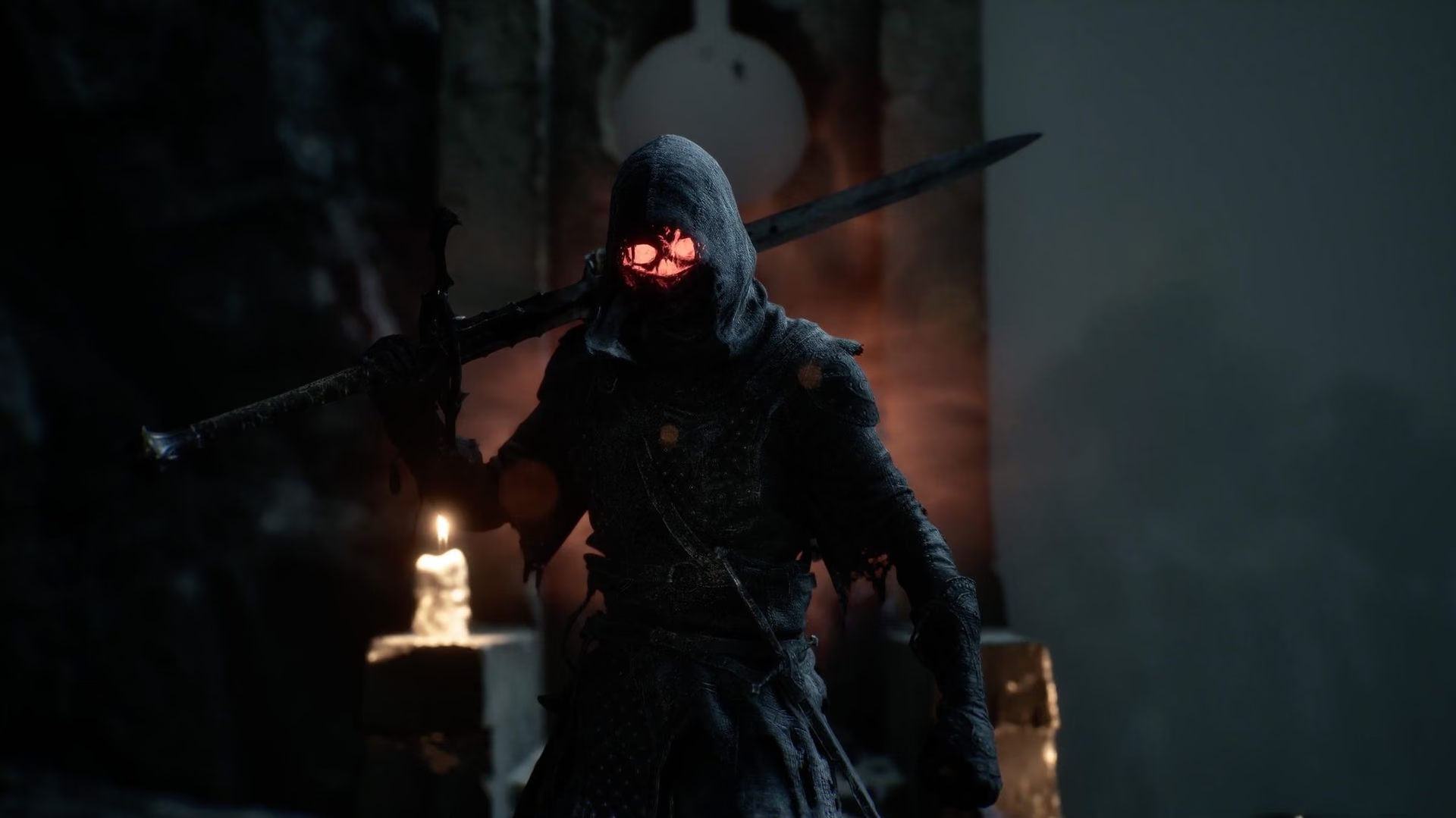
The publisher describes the Devout Edition as the base game plus eight Obsidian skins, one for each Shell. Its other launch benefit was up to 72 hours of advance access before the August 20 release. Source 1Mortal Shell II release date announcementOpen source That window is over, so the cosmetic pack is now the practical difference to evaluate.
| Feature | Standard | Devout |
|---|---|---|
| Base game | Yes | Yes |
| Eight Obsidian Shell skins | No | Yes |
| Advance access | No | Ended |
The worldwide release announcement dated July 8 described Devout as a digital deluxe edition and tied its advance access to the period before the August 20 launch. Source 1Mortal Shell II release date announcementOpen source That timing cannot be restarted by buying the edition now. A current product page should therefore sell the edition on the value of its cosmetic set, not on an expired head start.
Exactly what the official listings support
The PlayStation product page describes the package as the full game plus the Devout Edition Upgrade, which contains the exclusive Obsidian skin set for all eight playable Shells. Source 2Mortal Shell II Devout Edition on PlayStation StoreOpen source Playstack's announcement independently confirms eight Obsidian Shell skins and the former advance-access window. Source 1Mortal Shell II release date announcementOpen source
Neither source used here lists:
- an extra playable Shell;
- an exclusive weapon or sidearm;
- a story mission or dungeon;
- additional skill points or upgrade currency;
- higher damage, defense, or drop rates;
- a season pass or promised future expansion.
Do not infer those benefits from the words “digital deluxe.” Evaluate only the items the store names.
Is the upgrade worth it?
Buy Devout only if you value the eight cosmetic variants at the current price difference. The skins do not appear in the official description as new Shells, weapons, missions, or stat upgrades. They change appearance, not the confirmed gameplay scope.
The fair comparison is the incremental price, not the total price of a second purchase. At the cited US PlayStation check, Standard was $49.99, Devout $59.99, and the separate upgrade $10.99. Source 2Mortal Shell II Devout Edition on PlayStation StoreOpen source A new buyer was comparing a $10 edition gap, while an existing Standard owner was comparing the add-on price. Taxes, sales, bundles, and regional pricing can change that relationship.
Divide the live upgrade price by eight only as a personal budgeting tool; it does not establish a market value or guarantee that every appearance will suit you. The set becomes visible across the playable Shell roster, so a player who uses one Shell heavily may care about only one of the eight variants.
How the Obsidian set appears in game
Each Obsidian appearance belongs to a playable Shell. Unlock the Shell first, rest at a Beacon, select it, and inspect the Shade options. The edition entitlement and the in-game character unlock are separate states: owning the pack does not place every Shell in the roster at the beginning of the game.
Obsidian Shades are distinct from Blackmarrow chest Shades, quest cosmetics, and the Flayed Harbinger beta reward. Use the skin and Shade guide to identify the acquisition family before assuming an entitlement is missing.
The official description treats the set as cosmetic. Equipping one should not change Shell statistics, skill progress, weapon compatibility, inventory, trophies, or quest state. If a value changes, capture the before-and-after screens and report it as a possible bug instead of presenting it as a hidden edition bonus.
At the August 28, 2026 check, the US PlayStation Store listed Standard at $49.99, Devout at $59.99, and a separate Devout Edition Upgrade at $10.99. Source 2Mortal Shell II Devout Edition on PlayStation StoreOpen source Regional prices and discounts can differ, so check your own storefront before deciding.
Platform and region rules
An edition or upgrade is licensed by the storefront where it was bought. A PlayStation upgrade does not attach to a Steam or Xbox base game. Even within one console family, confirm that the base game and add-on use the same account and compatible region.
If a store offers a bundle and a separate upgrade, avoid buying the full bundle again when Standard is already owned. Open the product details and verify that the add-on names Mortal Shell II: Devout Edition Upgrade and that checkout recognizes the base-game license.
The publisher announcement names Steam, PlayStation 5, and Xbox Series X|S as release platforms, but it does not promise identical upgrade products or prices on all three. Source 1Mortal Shell II release date announcementOpen source Check each platform's live edition comparison.
Can Standard owners upgrade?
PlayStation currently lists a separate upgrade product. Other storefronts may present edition changes differently, and ownership rules can vary. Confirm that the upgrade is compatible with your platform and region before purchase; do not assume a PlayStation product applies to Steam or Xbox.
If the upgrade is installed but Shades are missing:
- Confirm the transaction belongs to the active platform account.
- Verify the add-on is installed or recognized under Manage Game Content.
- Launch the base game online once so the entitlement can refresh.
- Unlock the target Shell, rest at a Beacon, and check that Shell's Shade list.
- Restart the game and restore platform licenses through the platform's supported workflow if necessary.
- Preserve the save and record the platform, region, edition, add-on state, patch, Shell, and missing cosmetic before reporting the issue.
Do not delete a forty-hour save or repurchase the bundle as a first fix. Cosmetic entitlement troubleshooting should begin with the account and add-on, not the campaign data.
Historical advance access
Devout owners could play up to 72 hours before the August 20 general release. Source 1Mortal Shell II release date announcementOpen source The PlayStation listing records an August 17 release for the Devout product, which matches that window. Source 2Mortal Shell II Devout Edition on PlayStation StoreOpen source This is useful for understanding old reviews and patch discussions: a post dated August 17–19 may describe the launch build seen by advance-access players.
Advance access was not an ongoing early-access branch, subscription, or permanent server priority. After worldwide launch, Standard and Devout owners use the released game and receive patches through their platform.
Purchase checklist
Choose Devout when all four statements are true: you want the full game, you value the Obsidian appearances, the live edition difference is acceptable, and the product matches your platform and region. Choose Standard when the cosmetic set does not justify the premium. Buy the upgrade only when Standard is already owned and the store confirms compatibility.
Ignore an old preorder countdown, “play early” banner, or launch article when calculating present value. The relevant durable benefit is the eight-skin set. Future content should not be attributed to Devout unless an official listing adds it.
Check the skin guide for the distinction between the included Obsidian set and other Shades. For the current launch state and supported platforms, use the release-date page.
Edition contents and the historical access window were rechecked on September 3, 2026. Prices and upgrade presentation remain live storefront data.
Verify the upgrade after purchase
After buying the Devout upgrade, confirm that the add-on is owned under the same account and region as the base game, finish any pending download or license refresh, and reopen the Shade selection for an unlocked Shell. Test one Obsidian appearance before assuming all eight are missing. If it still fails, record the platform, base-game edition, add-on product name, game version, and which Shell was checked.
Do not publish receipt details or account credentials in a community report. Platform support can inspect a private transaction; a site visitor only needs enough non-sensitive information to distinguish an entitlement failure from a cosmetic menu or progression issue.

